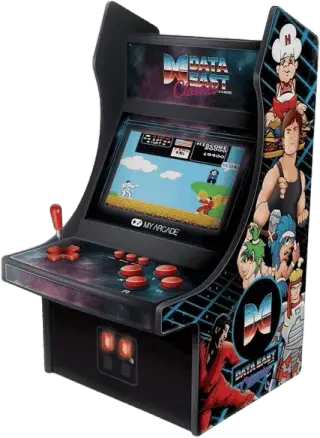
Arcade Emulators
6 emulators available — choose the right one for your device
BizHawk
RecommendedOpen SourceBizHawk is a multi-system emulator focused on Tool-Assisted Speedruns (TAS). It supports over 30 consoles, offers frame-by-frame rewind, RAM watch, Lua scripting, and is the go-to tool for the TASVideos community.
Flycast
RecommendedOpen SourceFlycast is a multi-platform Sega Dreamcast, NAOMI, and Atomiswave emulator with wide game support, upscaling, and active development. Available on all major desktop and mobile platforms.
MAME
RecommendedOpen SourceMAME (Multiple Arcade Machine Emulator) preserves thousands of arcade games and home computers. It is the most comprehensive and accurate arcade emulation solution available.
OpenEmu
RecommendedOpen SourceOpenEmu is the best all-in-one emulator for macOS, unifying multiple cores in one polished Mac-native app. It supports a huge range of consoles with automatic ROM organization, artwork fetching, and iCloud saves.
RetroArch
RecommendedOpen SourceRetroArch is an all-in-one frontend for emulators, game engines, and media players. It brings hundreds of emulator cores under one roof with a unified interface, shader support, and cross-platform availability.
FinalBurn Neo
Open SourceFinalBurn Neo (FBNeo) is an open-source arcade emulator covering CPS1/2/3, Neo Geo, Capcom, Konami, and hundreds of other arcade boards. Great performance on low-end hardware.
How to Play Arcade ROMs
- 1Download an emulator from the list above — pick one that matches your operating system.
- 2Download a ROM for the game you want to play from our games library.
- 3Open the ROM in the emulator using File → Open or by dragging the ROM file into the window.
- 4Configure controls in the emulator settings to map your keyboard or gamepad, then enjoy the game!